

What happens when you pay online?
Follow a payment from checkout to confirmation—and see why “processing” is not the same as “paid”.
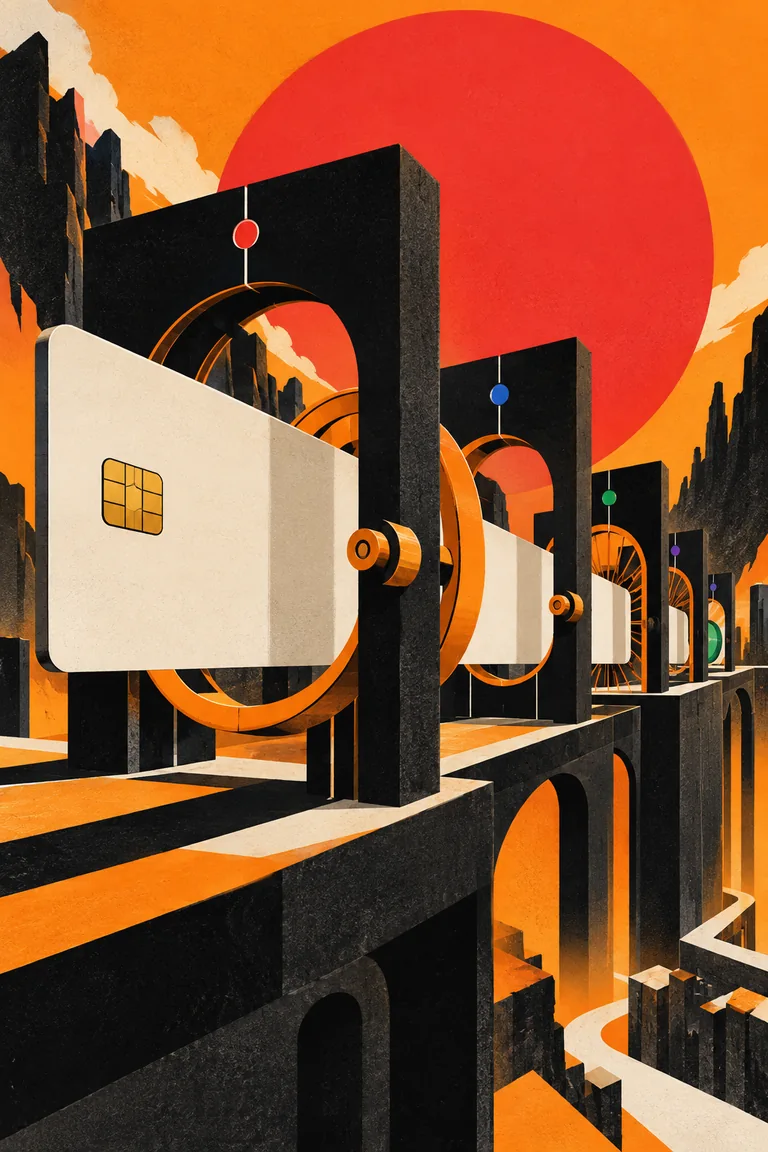
LET’S TAKE
A CLOSER LOOK.
Choose a step or follow the sequence.
The complete explanation is here, too.
Start at checkout
A customer chooses how to pay. The payment begins with an amount and a currency; collecting payment details does not mean it has succeeded.
- 01 / CHECKOUT
Start at checkout
A customer chooses how to pay. The payment begins with an amount and a currency; collecting payment details does not mean it has succeeded.
- 02 / CONFIRM
Confirm the intent
The payment is confirmed with a payment method. Confirmation asks the payment system to attempt the payment.
- 03 / AUTHENTICATE
Complete any extra action
Some payments require an additional customer action, such as authentication. Others move on without this step.
- 04 / PROCESS
Wait for the result
Some methods process asynchronously. A processing state means the final outcome is still pending.
- 05 / RESULT
Handle the outcome
A successful payment reaches succeeded. A failed attempt may require another payment method; a cancellation is another possible outcome.
- 06 / FULFILL
Connect it to the order
The merchant uses the verified payment result to decide what happens to the order. The illustrated success path omits retries and method-specific branches.
WHAT HAPPENS
NEXT?
A successful payment and a failed attempt lead to different next steps.
Confirmation attempts the payment. After any required action or processing, a verified successful result is the signal to fulfill the order.
What this model covers.
A simplified explanation of Stripe’s PaymentIntent lifecycle. Payment methods differ; this is not a complete banking or settlement model.
GO TO THE SOURCE · OPENS A NEW TABStripe · PaymentIntent lifecycleAn authored visual explanation. The illustration is a metaphor; the steps describe a simplified model.
ANOTHER QUESTION.
ANOTHER WAY IN.

How does a name find a website?
From a familiar address to a server: meet the lookup that gets you to the right place.
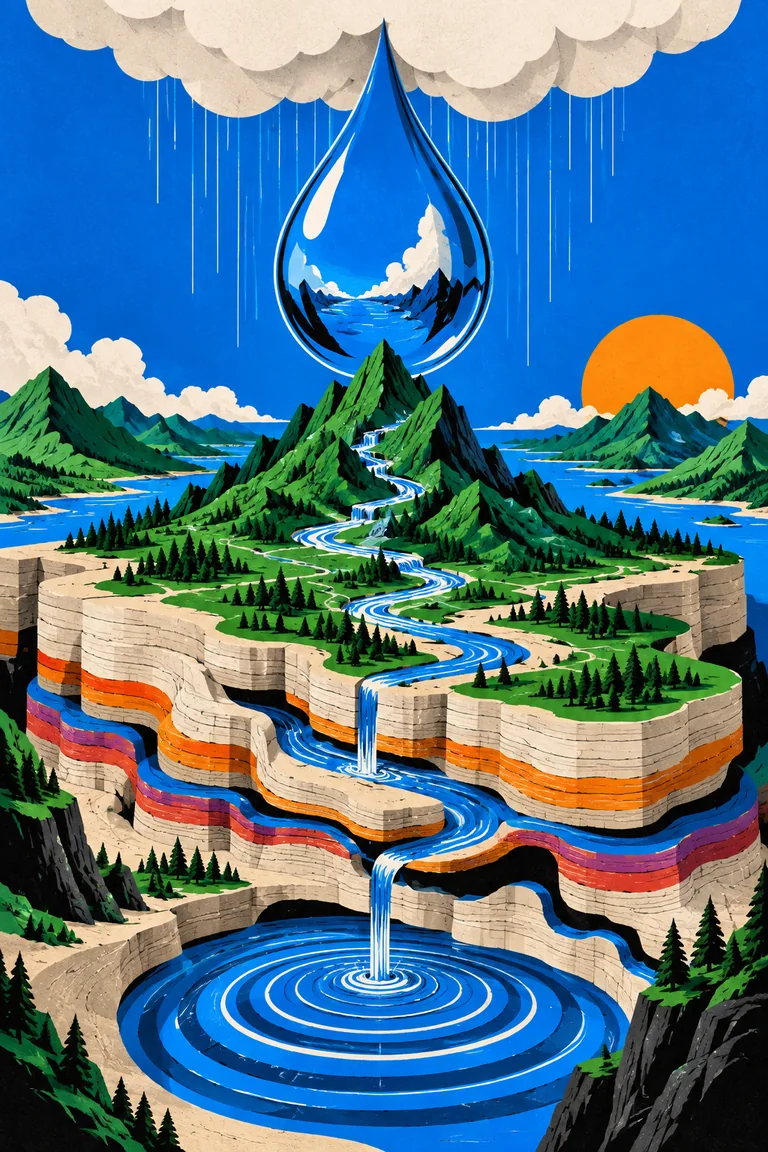
Where does the rain go next?
Follow water through the atmosphere, across the land, and below the surface.
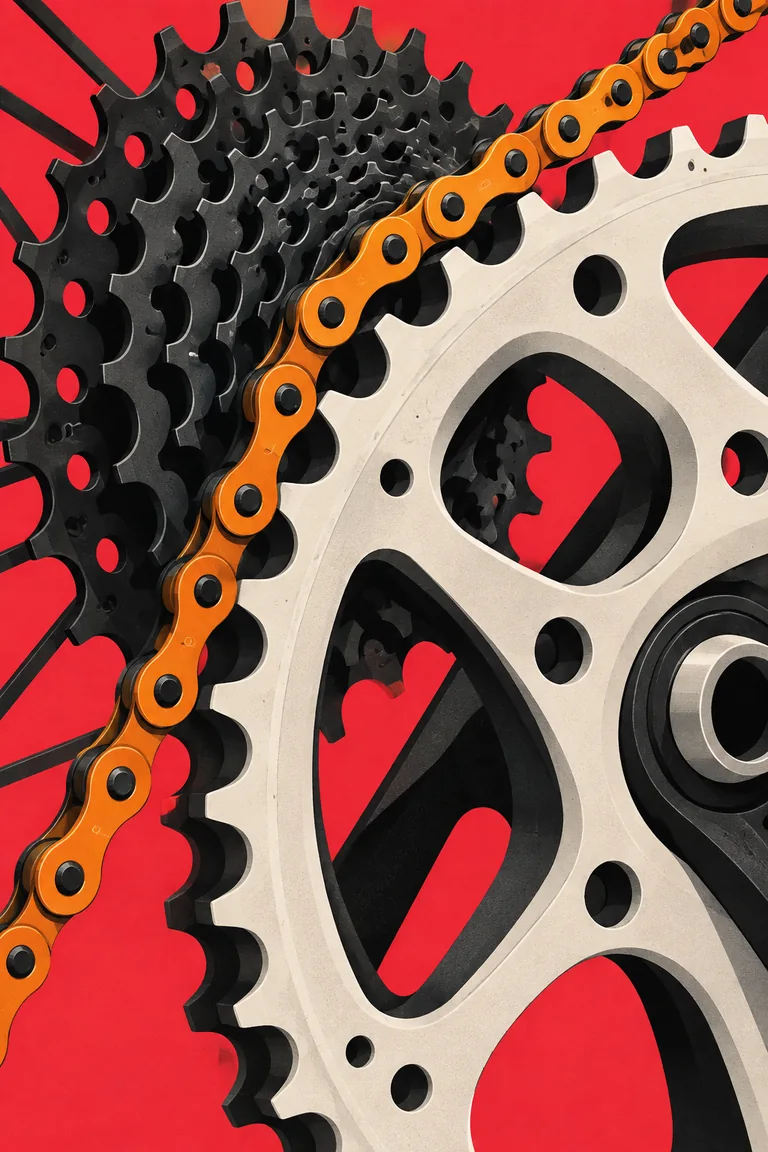
Why does a smaller gear make a big difference?
Connect your pedals, chain, and wheels—and see how a gear change changes the effort.